


Live drawings: manage work directly on the site plan
Drop job pins onto site drawings, colour-code them by status and give clients a live view of progress, even when your team is offline.
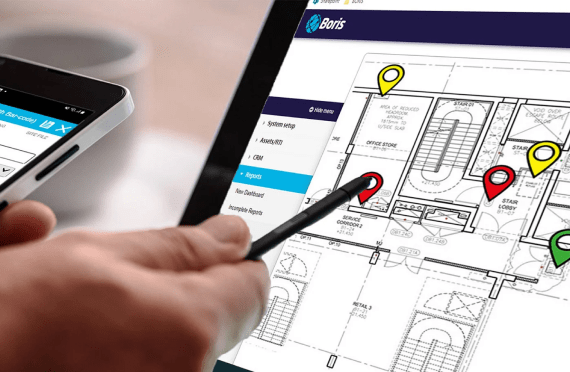
What is BORIS Live Drawing?
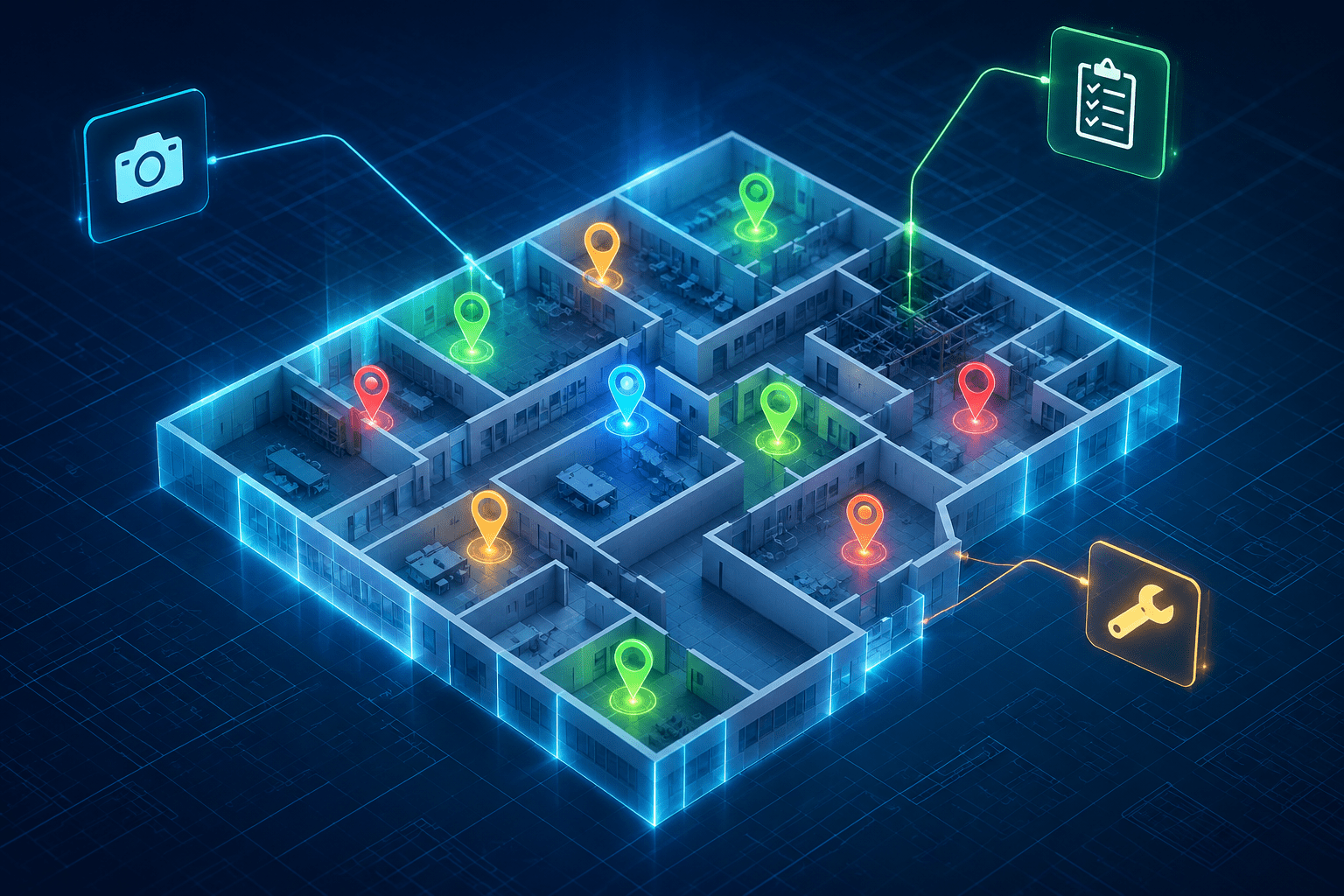
BORIS Live Drawing turns site plans into a live job board. Operatives add or update pins on the drawing for each fire door, penetration or asset, colour-coded as in progress, completed, awaiting sign-off or needing attention.
Every pin keeps its own job history, photos and forms, and clients can see the same marked-up drawing in real time for transparent progress reporting.
Key features
- Upload site drawings and add, edit or drag pins to allocate work
- Four status colours: in progress, completed, awaiting sign-off, needs attention
- Filter pins by category, status or assigned team member
- Pins link to corrective actions, notes, images and compliance forms
- Pick up from previous work, such as following up on a survey
- Works offline on phones and tablets and syncs on reconnect
- Supports active and passive fire, fire doors, utilities, HVAC and asbestos
Related: All 20 BORIS features · Firestopping · Pricing · Book a demo
Frequently asked questions
Can clients see progress on the drawing?
Yes. Clients can view live marked-up drawings showing completed, ongoing and outstanding work.
Does Live Drawing work without signal?
Yes. Critical features remain available offline and sync once the device reconnects.
Is there an audit trail?
Yes. Every pin interaction is logged with the date and user, creating a visual record of work over time.