


A client portal that shows your compliance work as it happens
Give every client a secure login to their own sites, released reports and asset registers, with photo evidence and colour-coded status.

What is the BORIS Client Portal?
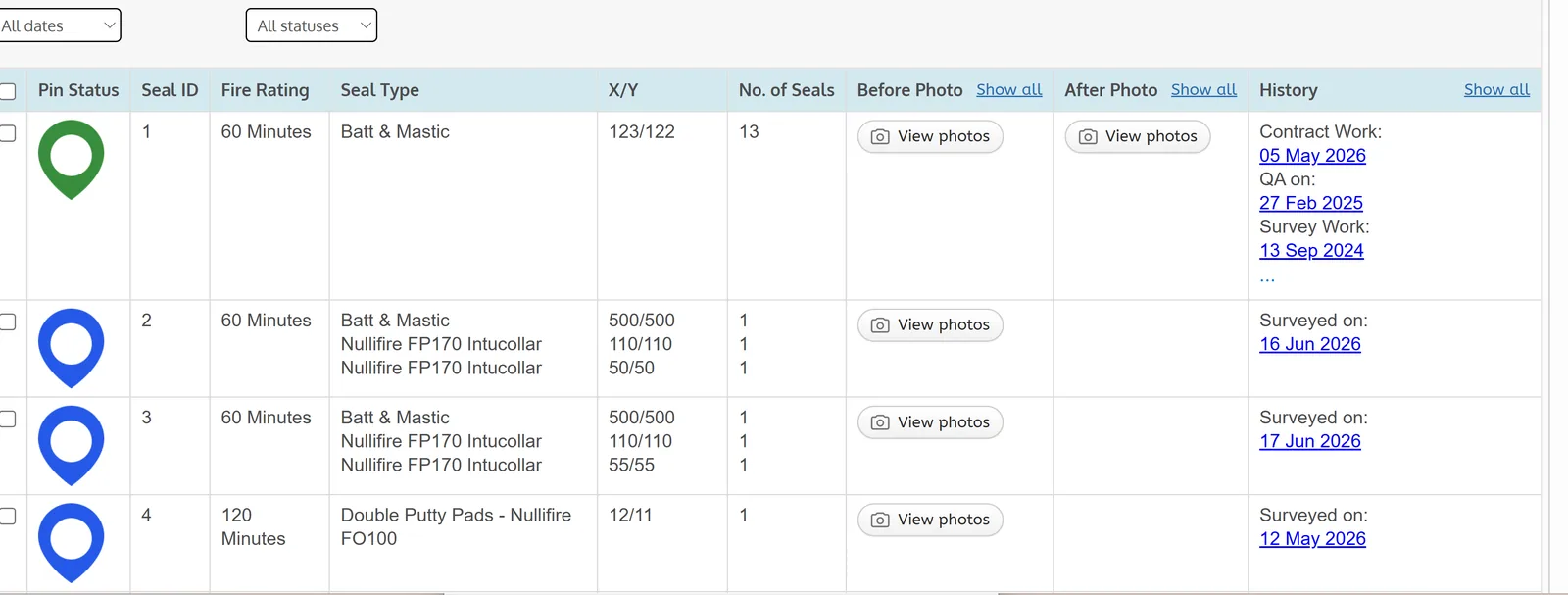
The BORIS Client Portal is a secure, cloud-based view where each client sees only their own sites. They can open released reports, browse asset registers with photos and follow colour-coded status pins for live works.
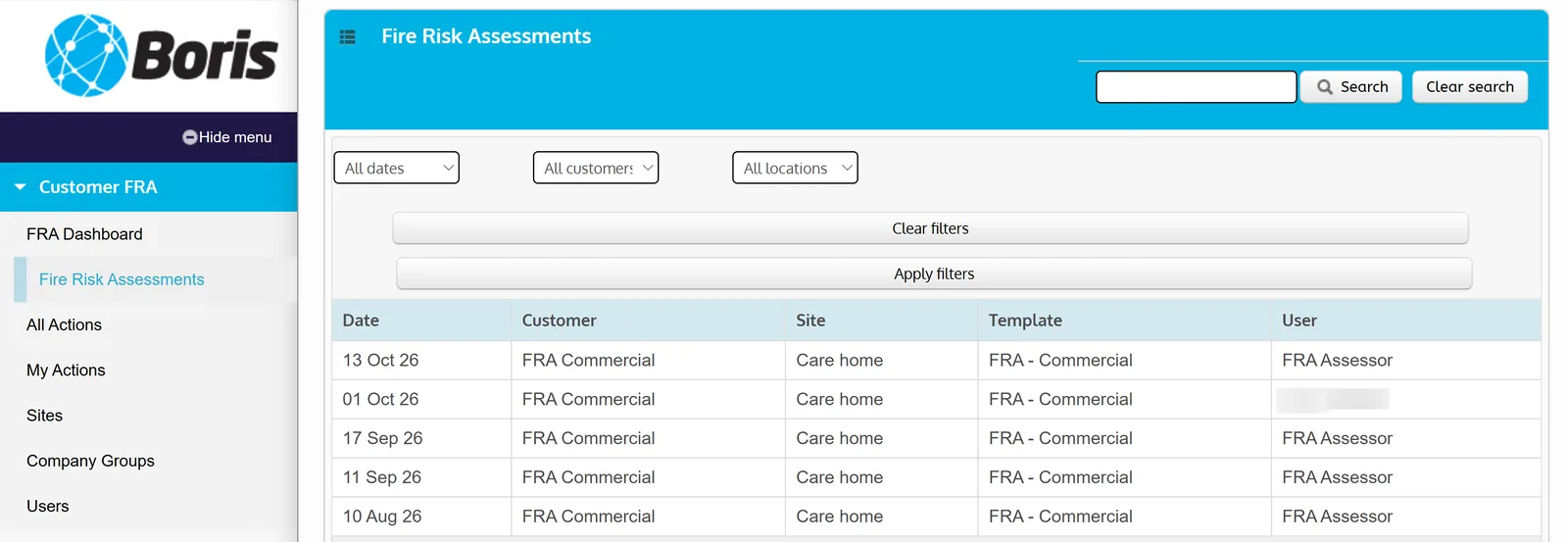
Reports can be filtered by customer, location, report type, user or date and exported to Word or PDF, cutting down progress-chasing calls and supporting fire protection and compartmentation sign-off.
Key features
- Asset register with photo evidence for each item
- Colour-coded status pins with a built-in legend
- Reports dashboard listing every released report in date order
- Filters by customer, location, report type, user or date
- Keyword search and export to Word or PDF
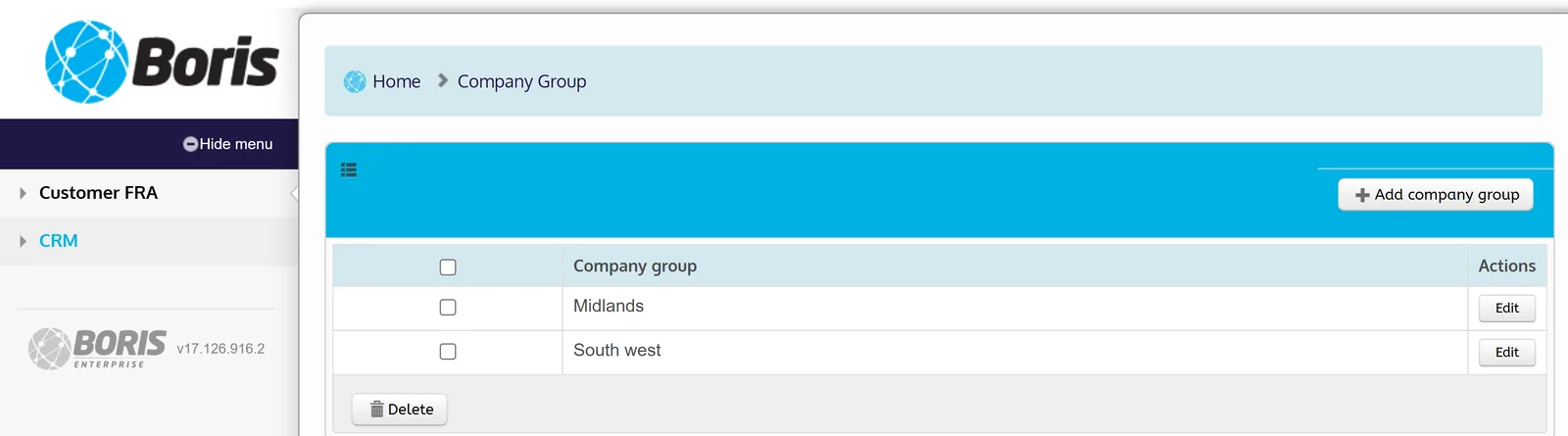
- Restricted views: each login sees only its designated sites and reports
See it in action
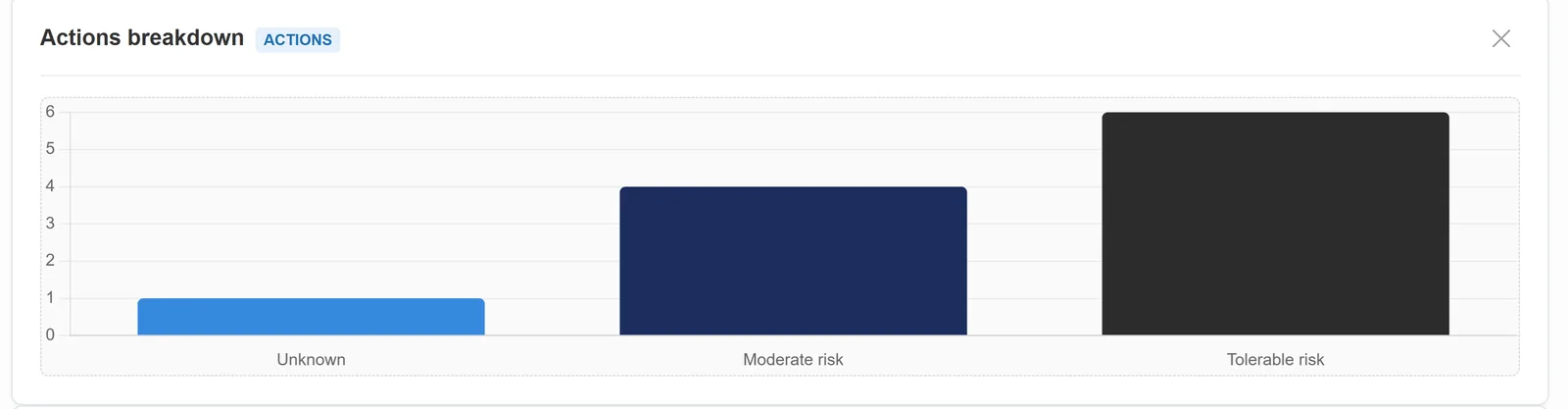
Related: All 20 BORIS features · Fire door management · Pricing · Book a demo
Frequently asked questions
Can a client see other clients’ data?
No. Each client login is limited to its designated sites and reports, preserving data privacy.
What can clients download from the portal?
Released reports, which can be exported to Word or PDF.
Do clients see live progress?
Yes. Colour-coded pins update in real time to show the stage of each job, such as fire door condition or work status.